20 professional templates
From minimal ATS layouts to bold creative designs. Switch templates in one click — your content stays in place.
Pick one of 20 professional templates, fill in your details and download a clean PDF in minutes. No account, no watermark, no subscription — and your data never leaves your device.
Free · No sign-up · No watermark
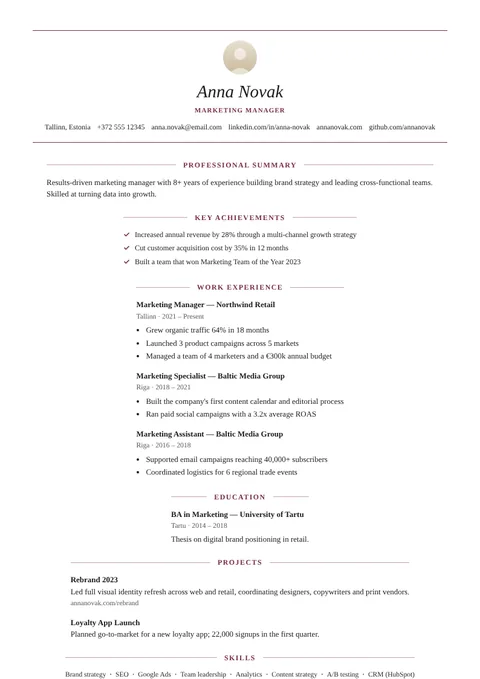
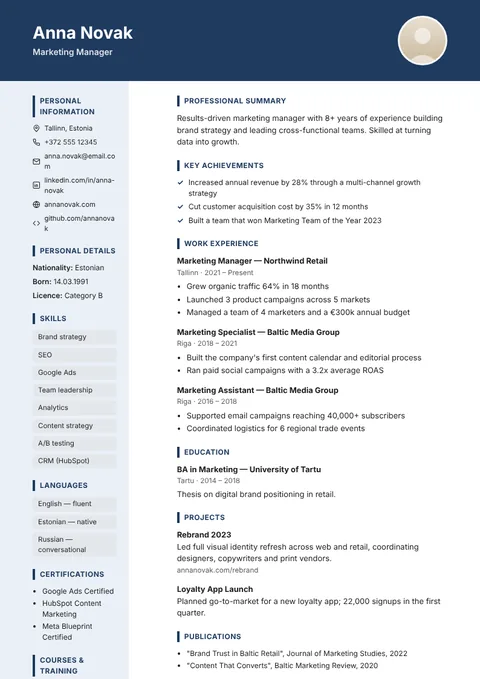
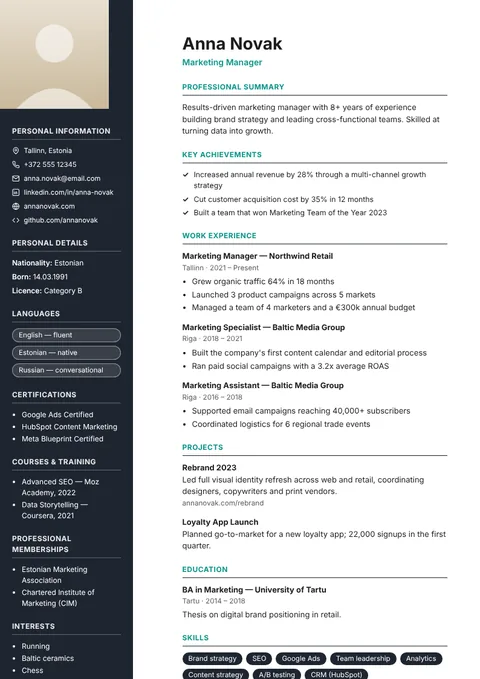
A fast, private and distraction-free editor with the tools job seekers actually use.
From minimal ATS layouts to bold creative designs. Switch templates in one click — your content stays in place.
See every change instantly on an A4 page, exactly as it will look in your PDF.
Clean structure and real text so applicant tracking systems can read your resume correctly.
Your resume is stored only in your browser. Nothing is uploaded, sold or shared.
Download a print-ready A4 PDF with smart page breaks. No watermark, ever.
Create a separate version for every job you apply to, duplicate and rename them freely.
Whether you apply for a corporate role, a creative position or an academic post, there is a layout designed for it.
Add your contact details, experience, education and skills. Use the sample text as a guide.
Filter by category and compare templates with your own data in the preview.
Export a print-ready PDF and send it to employers straight away.
Yes. You can create unlimited resumes, use every template and download PDFs without paying or creating an account.
Your resume is saved only in your own browser (local storage). It is never uploaded to our servers, so we cannot see or share it.
The ATS category templates use a simple one-column structure and real selectable text, which is what applicant tracking systems parse best.
Yes. The builder works on phones, tablets and desktops, and you can save or share the finished PDF from any device.
The interface is available in English, German, Spanish, French, Portuguese and Italian. You can write your resume content in any language.
Resumes live in your browser, so clearing site data removes them. Download a PDF of every version you want to keep.
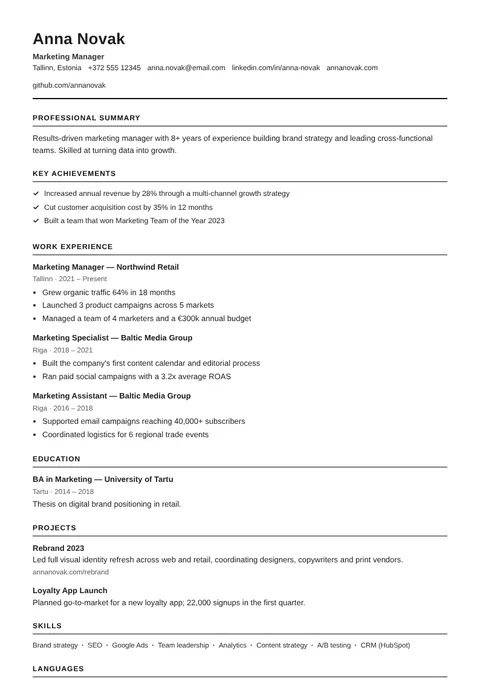 Minimal ATS
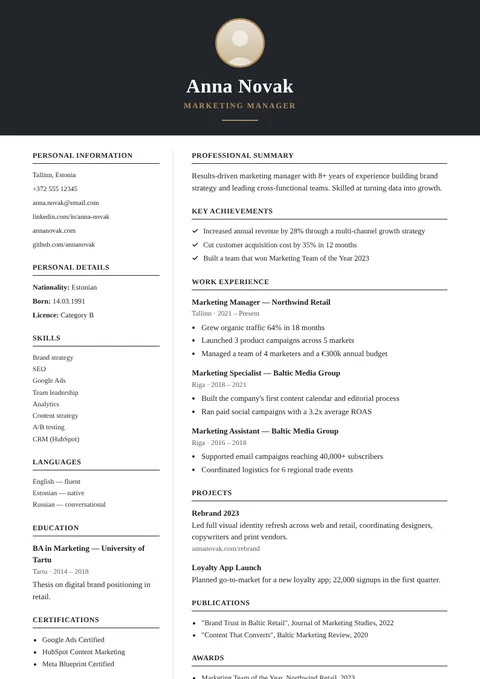 Executive
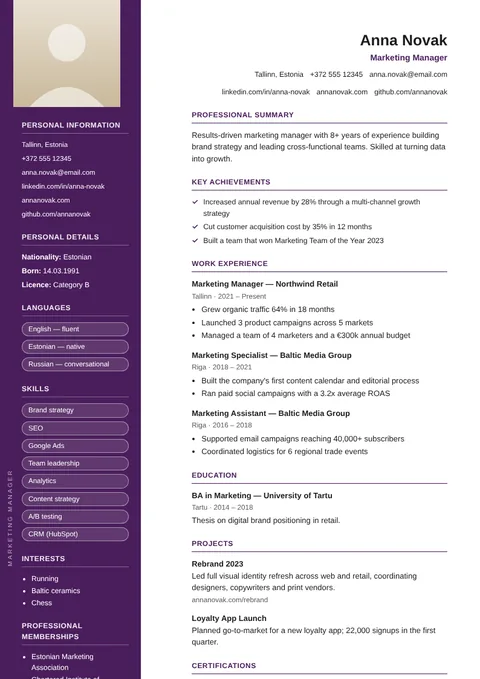 Creative
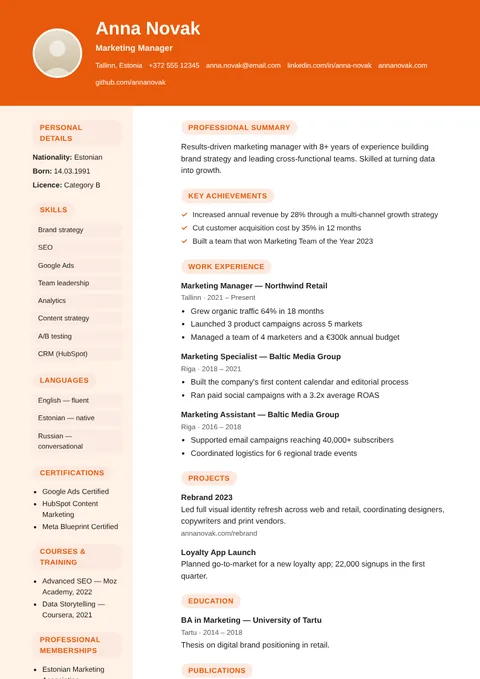 Startup
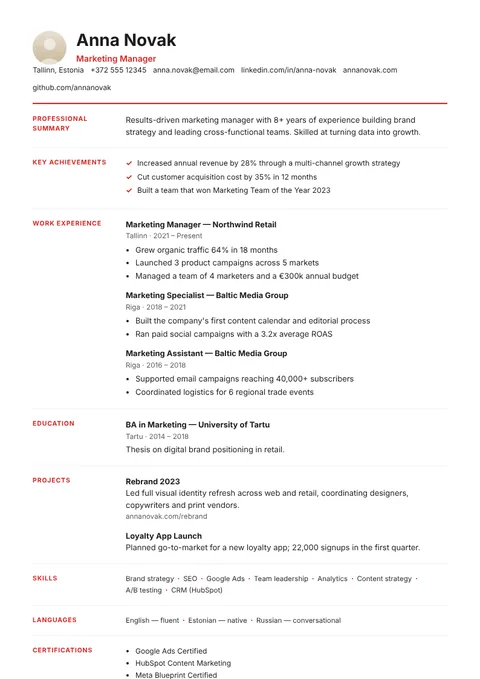 Swiss